The Real Cost of Per-User Software Pricing
Most software quotes look reasonable on the first page. The number that actually matters usually isn't on the first page, and with per-user pricing it often isn't in the quote at all. It shows up six months later, on the floor, in decisions nobody thinks of as pricing decisions.
1. Per-user pricing was built for an office, not a floor
Per-user pricing makes sense for an accounts team. Eight people, eight desks, eight logins, and the same eight people every day. A manufacturing floor looks nothing like that. You've got operators rotating across three shifts, casuals and labour hire coming in for peak season, supervisors covering each other's leave, and a maintenance tech who needs to log a job twice a week.
The number of people who need to touch the system is always far higher than the number of people who sit at a desk. Per-user pricing charges you for the first number, and most vendors quote you on the second.
2. The maths gets worse the more you actually use it
Take a simple example. A line running three shifts with 45 people who could all reasonably record something: a quality check, a downtime reason, a batch number. At a hypothetical $80 per user per month, giving all of them access costs $3,600 a month, over $43,000 a year, before you add a single new starter.
So the business does what any sensible business does. It buys eight licences for supervisors and QA, and the monthly cost drops to $640. On paper that looks like a win. In practice, that's the moment the real cost starts.
3. Shared logins mean data you can't trust
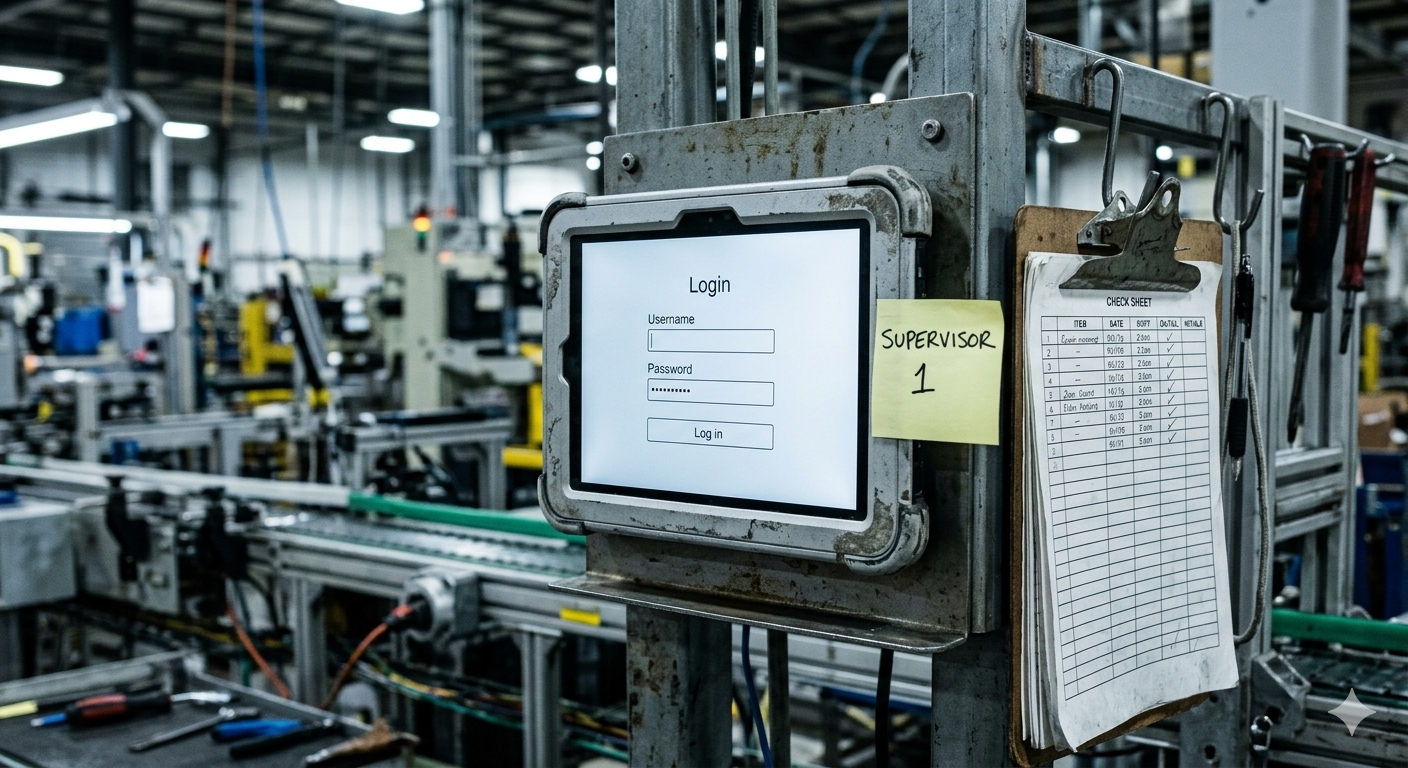
When seats are rationed, people share them. The line tablet stays logged in as the supervisor, and whoever is standing there uses it. It's not bad behaviour, it's people trying to get the job done with the access they've been given.
The result is a quality record that says one supervisor completed forty checks across three shifts, including the ones done while they were at home asleep. That's fine right up until an auditor asks who actually did a specific check, or a customer complaint needs tracing back to a specific shift. "Whoever was on" isn't an answer that holds up in an audit.
4. The paper comes straight back
Operators without a login don't stop doing checks. They go back to writing them down, and a supervisor types them in at the end of the shift, if there's time. Now you're paying for a digital system and still running paper, with double handling, transcription errors, and data that's hours old by the time anyone sees it.
The whole point of putting a system on the floor is getting the information at the source, when it happens, from the person who saw it. Per-user pricing quietly works against exactly that.
5. It punishes the growth you're trying to achieve
Add a shift, add seats. Open a new line, add seats. Bring on casuals for the busy season, add seats. Every time the business grows, the software bill grows with headcount, not with the value you're getting out of it.
That turns software access into a budget conversation every time something changes. Decisions like whether new starters get access end up being made on cost rather than on what the floor actually needs, and the people making them usually aren't the ones running the line.
6. What to ask instead
Before you sign anything, ask the vendor one question: what does this cost if every operator on every shift has their own access? Then ask how they treat casuals and labour hire, whether licences are named or concurrent, and what happens to the price when you add a line.
Pricing tied to your footprint, the lines, machines or sites you actually run, scales with your operation instead of your headcount. That's the reason Nexshift has no per-user fees. It's priced on the machines you connect, so giving every operator their own login costs nothing extra, and the data you get back actually tells you who did what.
Further reading
Per-user is only one of the pricing models you'll run into. If you're comparing quotes that are structured differently, I've broken down the main models side by side in MES Pricing Models Explained: Per User, Per Line, Per Site, and What They Actually Mean for You.