How to Actually Find Out Why Your Downtime Keeps Happening
Most plants can tell you how much downtime they had last month. Fewer can tell you why, in a way that actually points at a fix rather than a guess.
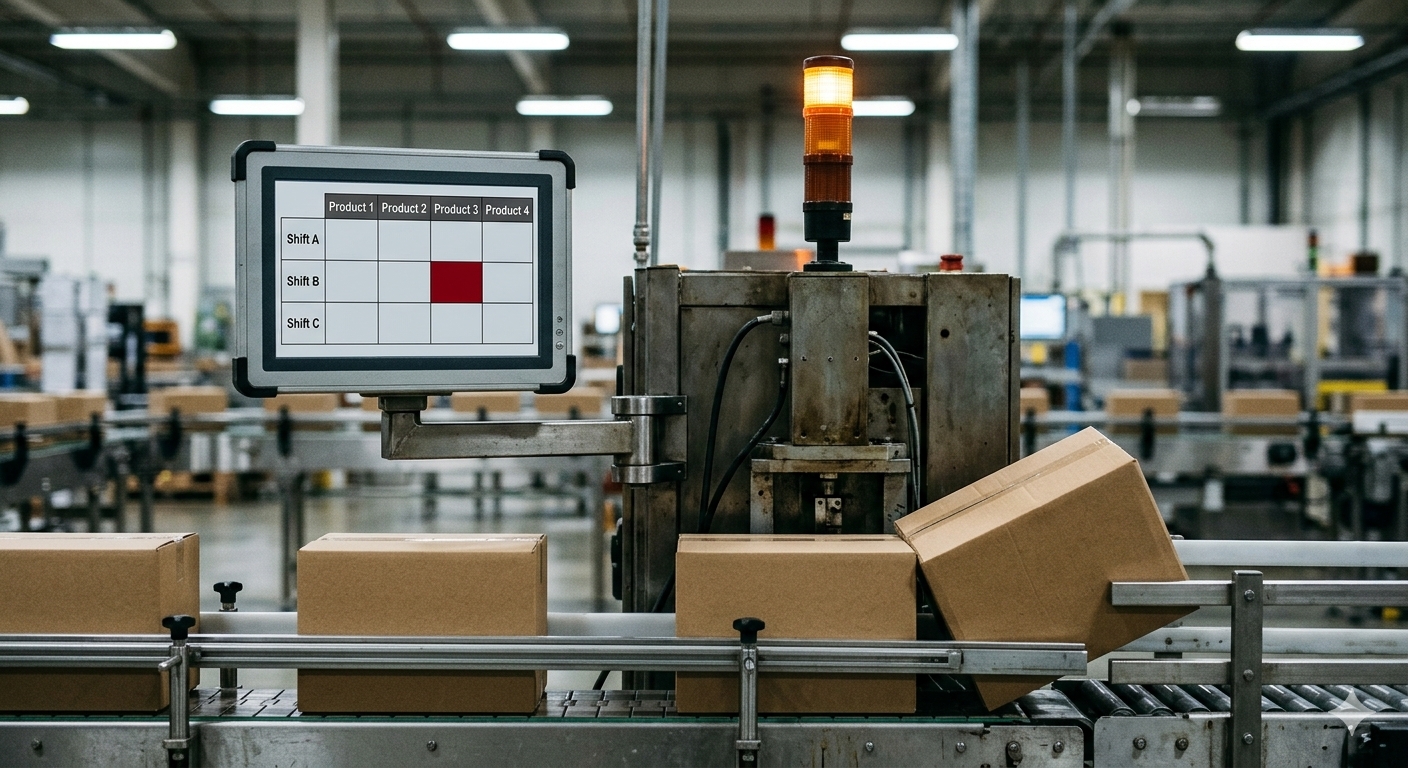
The number on its own doesn't help much. Twelve hours of downtime across a month sounds bad, but it means something completely different if it's twelve hours spread evenly across every shift versus twelve hours concentrated on one afternoon shift running one particular product. The first is probably a machine getting old. The second might be a training gap, a changeover problem, or a product that's harder to run than everyone realises. You can't tell the difference just by looking at the total.
To actually find the pattern, you need to cross reference downtime against the other things happening at the same time. That's the part most plants skip, not because it's not useful, but because it's genuinely hard to do when the data lives in separate places.
Start with the obvious splits
Before anything clever, break your downtime down by the basics. By shift. By product. By machine or line. By day of week if you run a pattern that varies. Most plants have this data somewhere, but rarely have it laid out side by side where a pattern can actually jump out.
If one shift consistently shows more downtime than the others on the same equipment, that's worth a conversation before you touch the machine at all. If one particular product consistently causes more stoppages regardless of who's running it, that points at the product or the changeover process, not the people.
Look for the combination, not just the category
The real insight usually isn't in any single split. It's in the overlap. A machine that runs fine most of the time but consistently jams on one specific product, on the afternoon shift, when a particular operator combination is on. That's not something you'll spot from a single downtime total. You need to be able to filter by more than one thing at once and actually see the overlap.
This is where having everything in one system matters more than people expect. If your downtime log lives separately from your production schedule and your shift roster, cross referencing them means manually matching timestamps across three exports, which nobody has time to do regularly. If it's all tracked in the one place, the cross reference is just a filter, not a project.
Check whether it's the same fault or different faults
Downtime that keeps happening on the same machine isn't always the same problem repeating. Sometimes it's three unrelated small issues that all happen to hit the same piece of equipment. Tag the reason for each stoppage, not just the duration, so you can tell whether you're chasing one root cause or several.
Don't stop at the first plausible story
The first pattern you spot is tempting to act on immediately, especially if it fits what you already suspected. Cross check it against a second variable before you commit resources to fixing it. If you think it's a shift issue, check whether it's actually a product issue that happens to run more often on that shift. Confusing correlation with cause here is an easy way to fix the wrong thing and have the downtime come straight back.
What this actually looks like day to day
None of this needs to be complicated once the data is in one place. A simple filtered view, downtime by machine, split by shift and by product, checked weekly rather than left for the monthly report, catches most patterns early enough to act on them before they become the new normal. The hard part was never the analysis. It was always getting the data to sit next to itself in the first place.
If this kind of cross referencing sounds like more than your current setup allows for, I've written about what that fragmentation actually costs in decision making time in One Shift, Five Systems, Zero Answers.